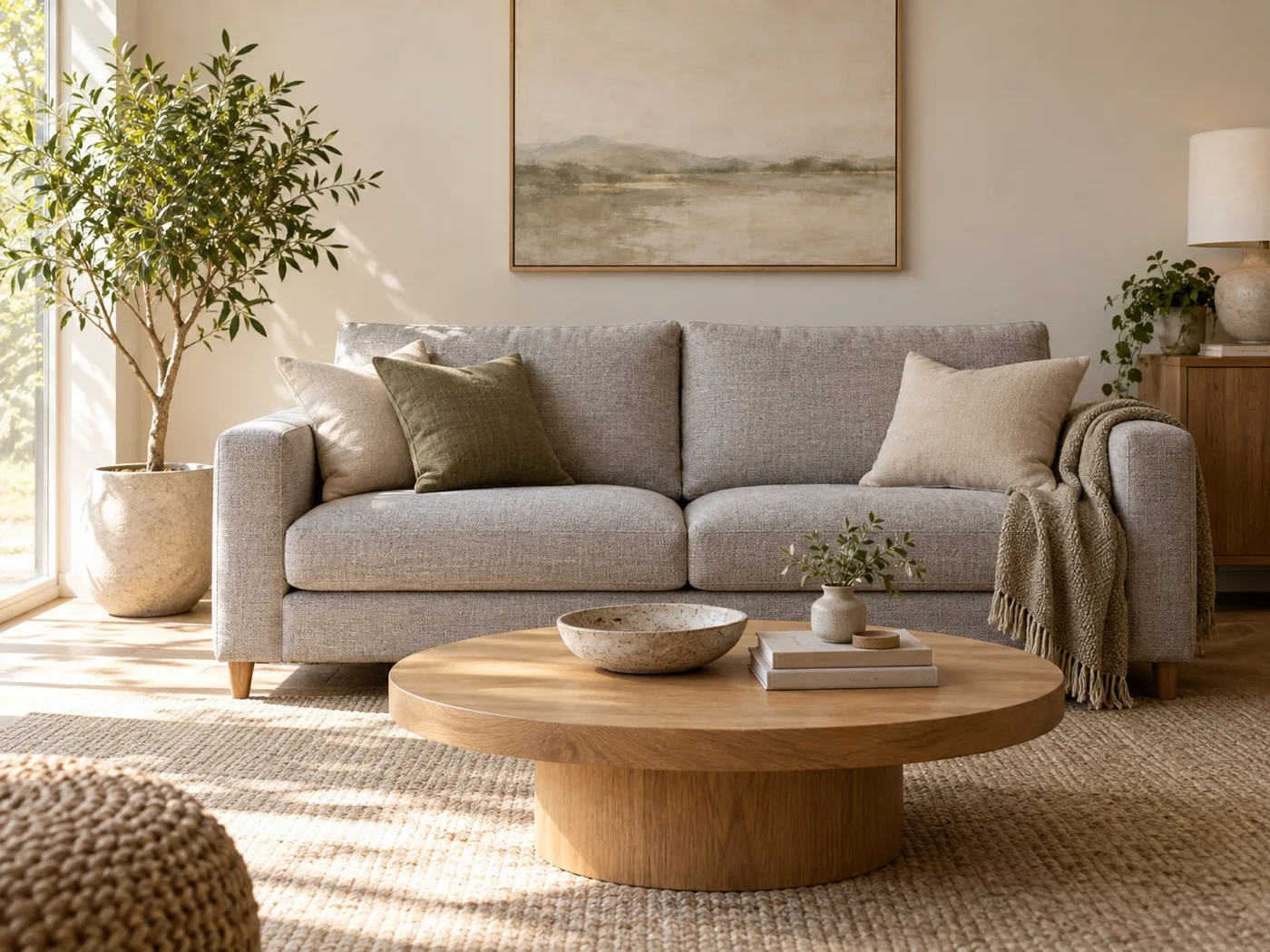
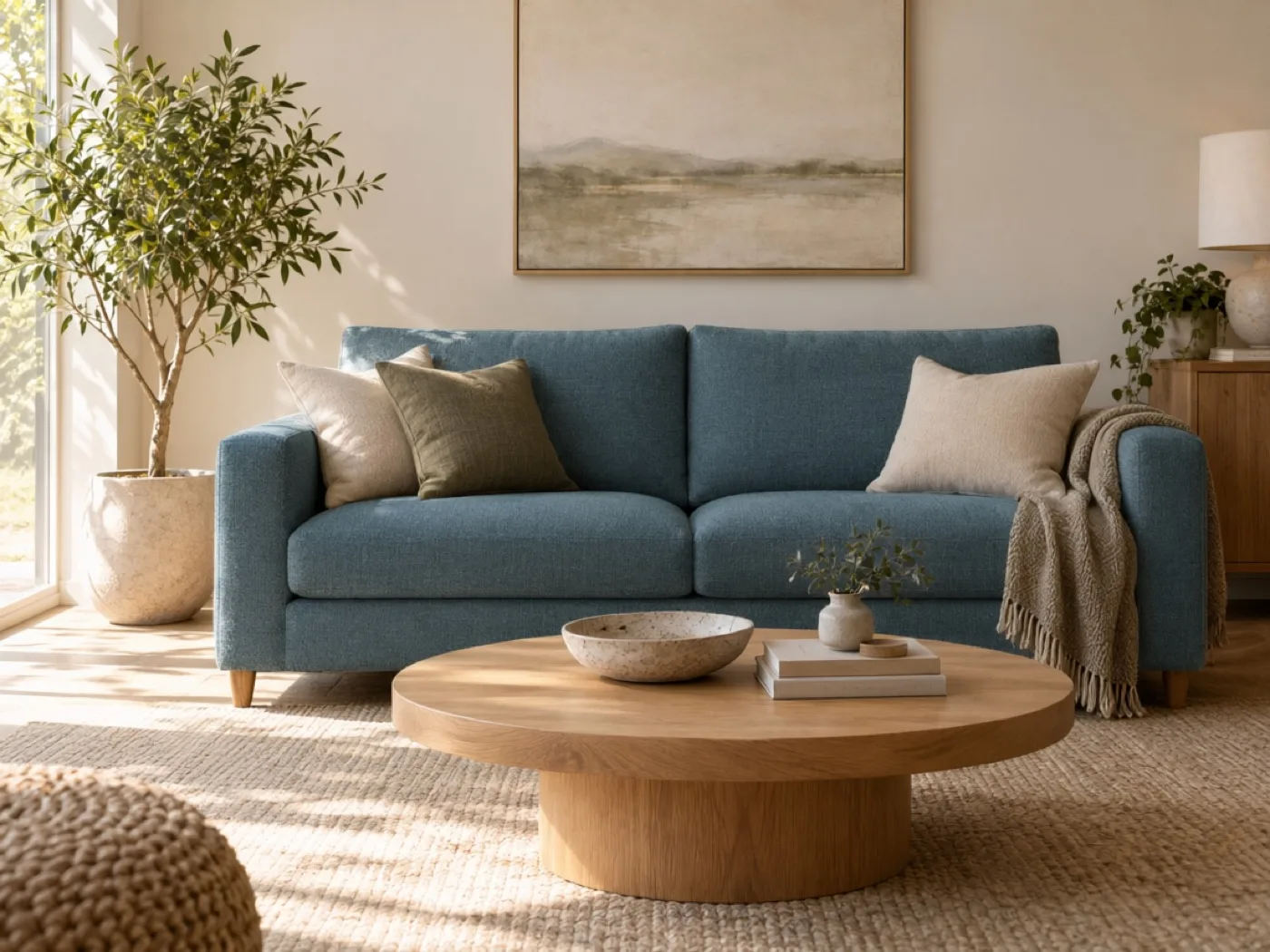
The prompt used for the sofa color edit
Change only the sofa upholstery from light gray to a muted deep teal-blue woven fabric. Preserve the sofa shape, cushions, seams, room layout, table, plants, wall art, lighting, and framing exactly as shown. Photorealistic editorial interior photograph. No text or watermark.
What makes a furniture recolor prompt clearer?
Be specific about both the target color and the material. “Muted deep teal-blue woven fabric” gives more direction than “blue sofa.” Then name the structural details—arms, cushions, seams, legs, and silhouette—that should not change. If a room is a design reference, tell the model to leave the walls, floor, furniture, and camera view alone.
Generative edits may still reinterpret stitching or texture. Compare the result against the original before using it to make a purchase or client decision. For real furniture, validate colors against a physical sample under the room’s lighting.
Use the same approach on your image
- Upload a clear room photo with the full sofa visible.
- Ask for one upholstery color or fabric change at a time.
- List the room details and furniture geometry to preserve.
See how other models handle different tasks in the image editing example gallery, or select a model and review its estimate in the ImageGen Studio editor.